How to use a collection
Each collection is organized around a task with a focused path into methods and examples. Start with one small result instead of trying to specify everything at once.
Leave room for product visual comparison
Start with form, material, and setting. Vary the camera, background, and light, then place candidates side by side before choosing a direction.
Use references as visual anchors
Give different references the jobs of composition, color, or material, then describe the allowed change in the prompt.
Turn the canvas into a handoff
Keep inspiration, drafts, selected results, and the next edit together so one generation becomes a reusable visual record.
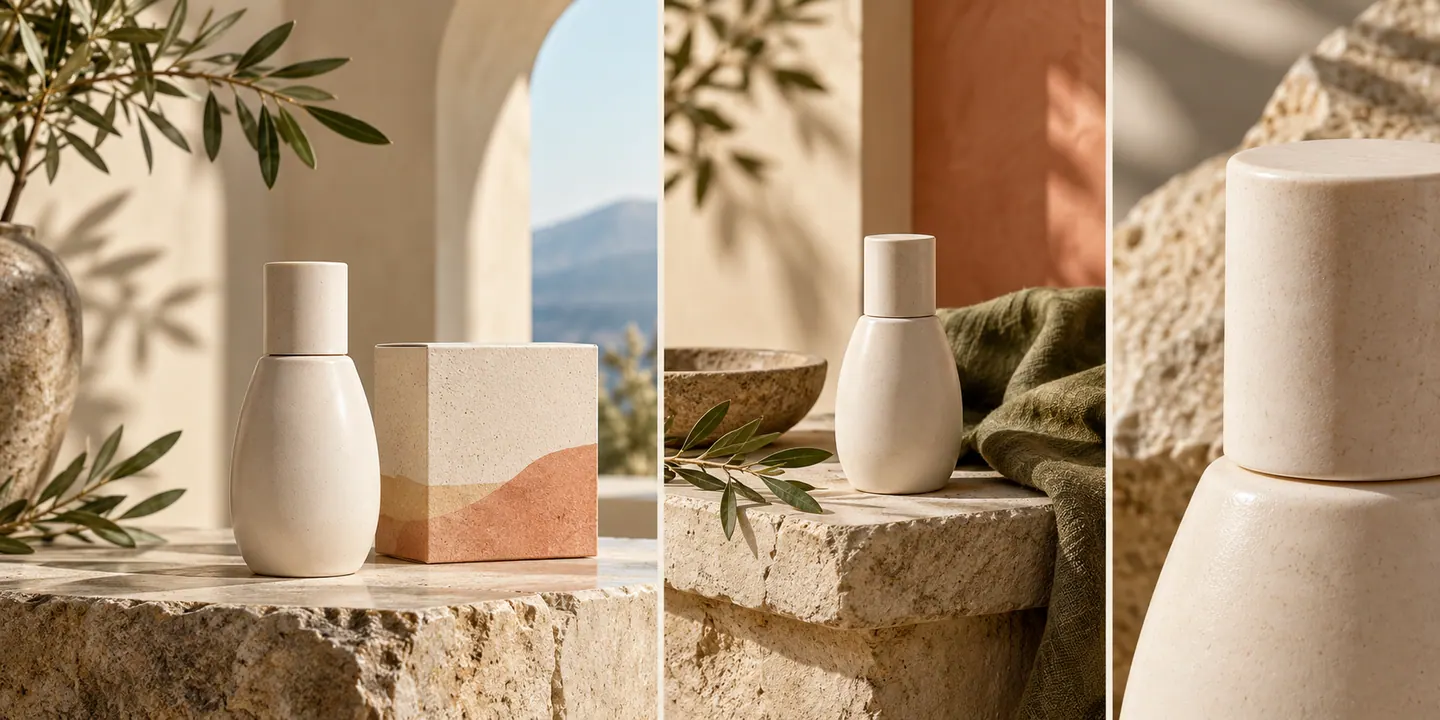
E-commerce product imagery
Start from a product image, test a hero, a lifestyle scene, and a detail crop, then organize the chosen direction into a consistent set.
Brand concepts and visual language
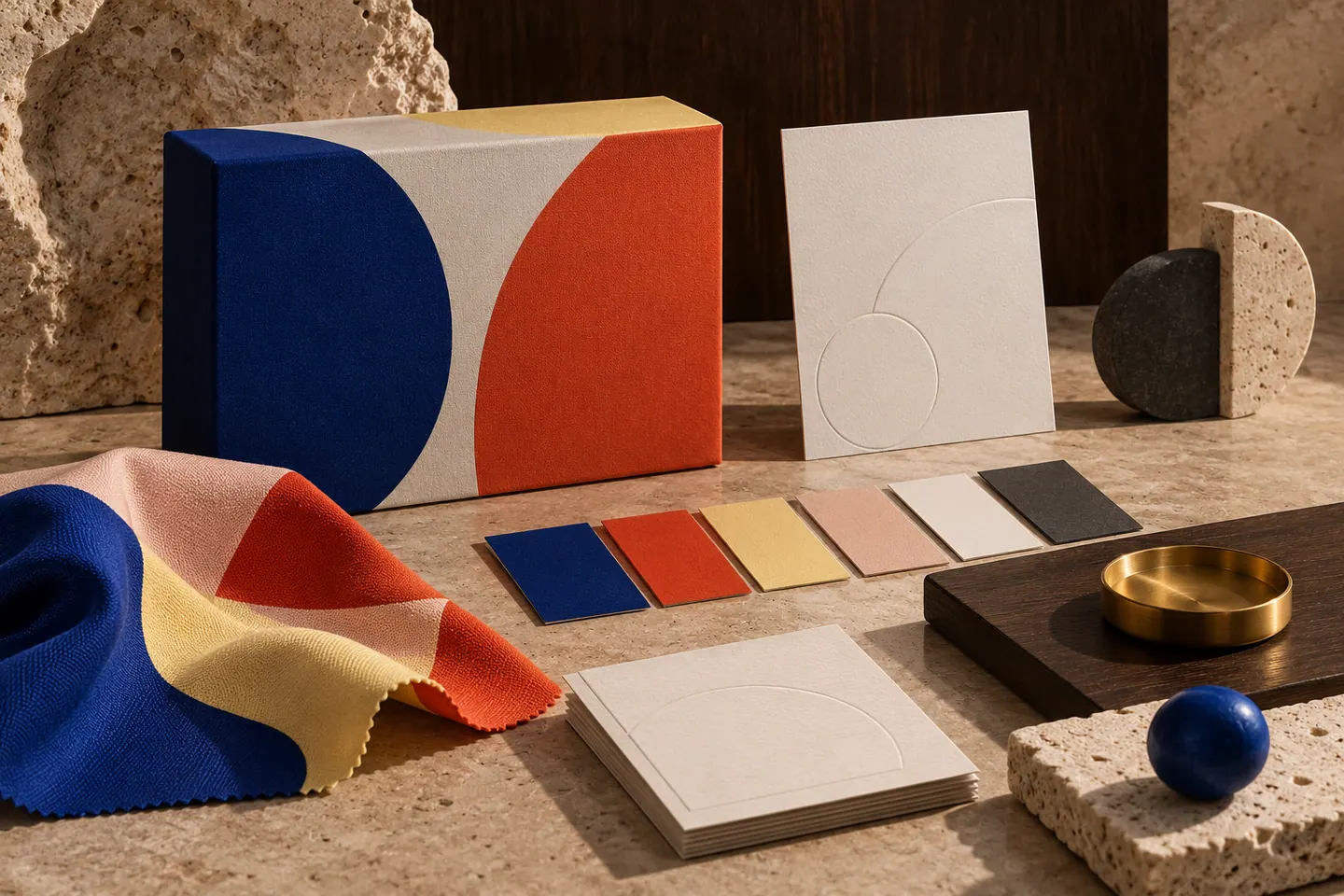
Set color, material, negative space, and photographic feel before testing multiple compositions.
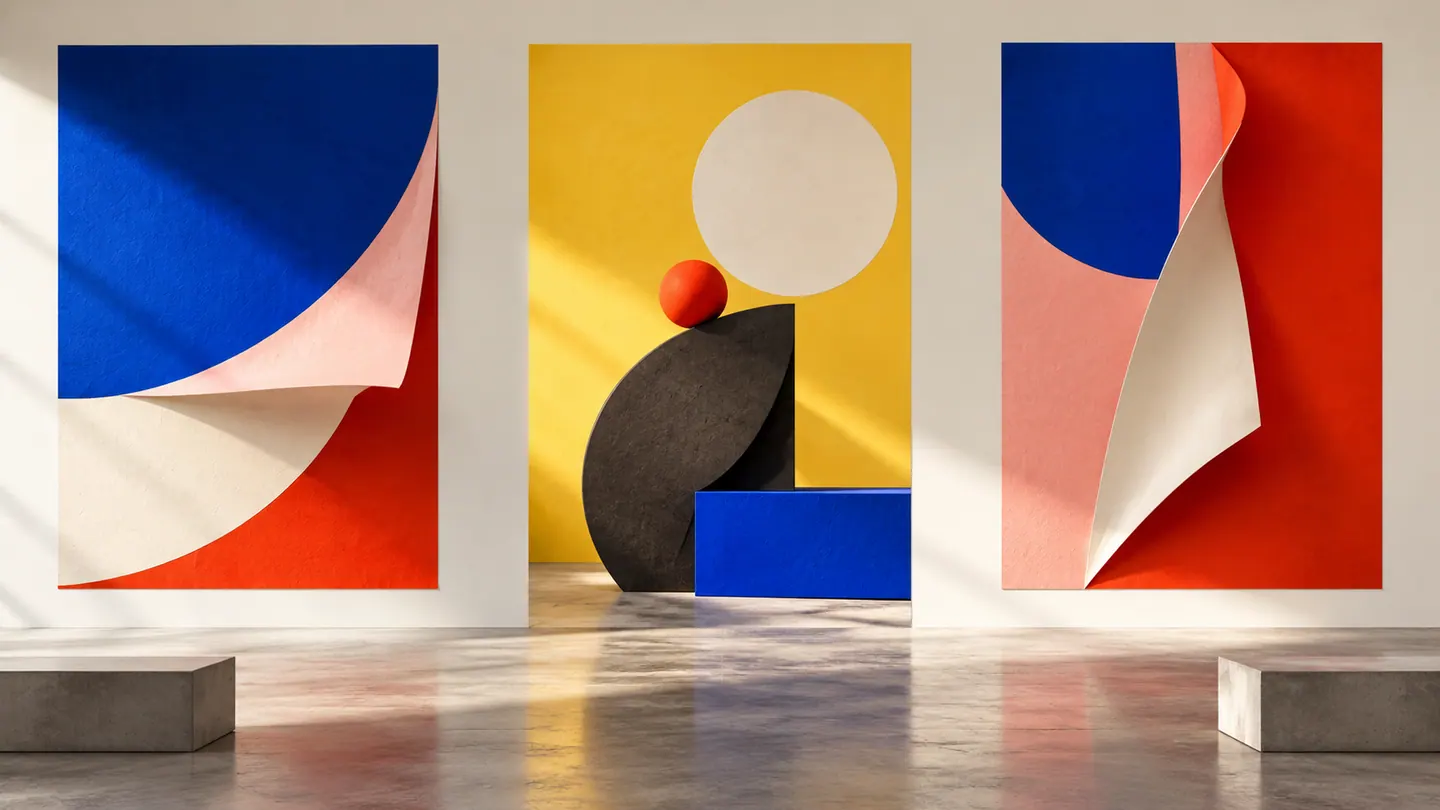
Campaign key visuals
Expand one theme into posters, banners, and social crops while keeping a shared composition anchor.
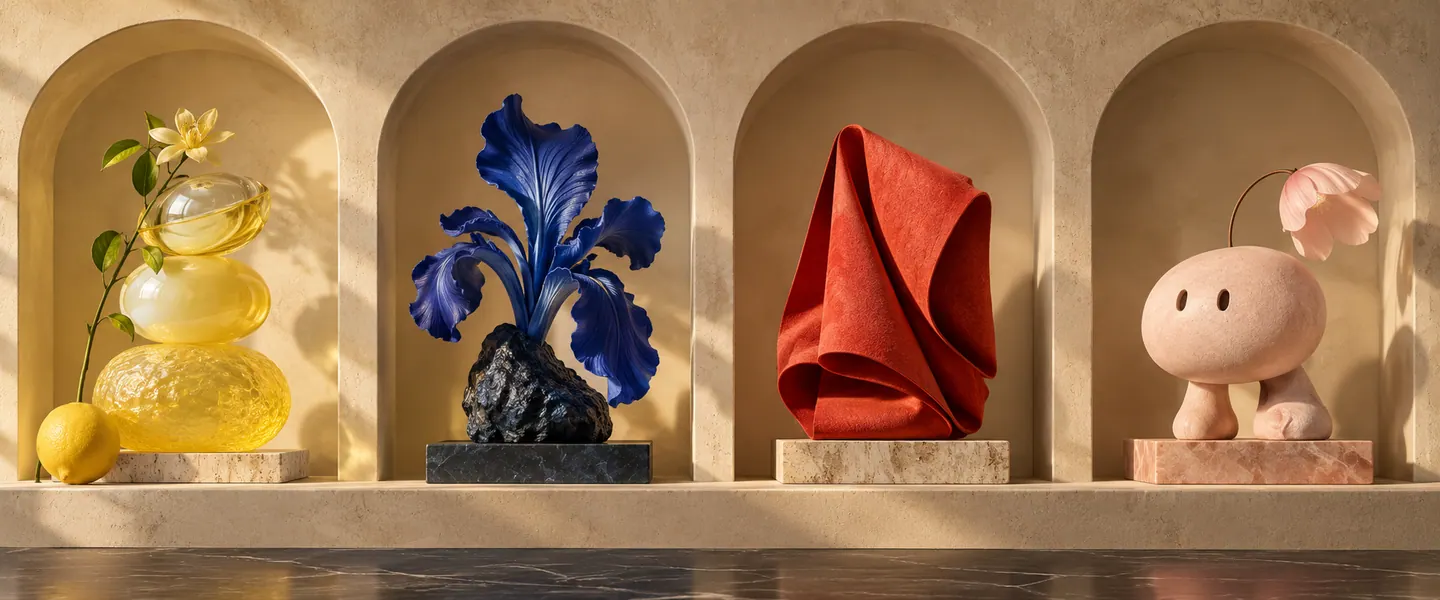
Character and scene exploration
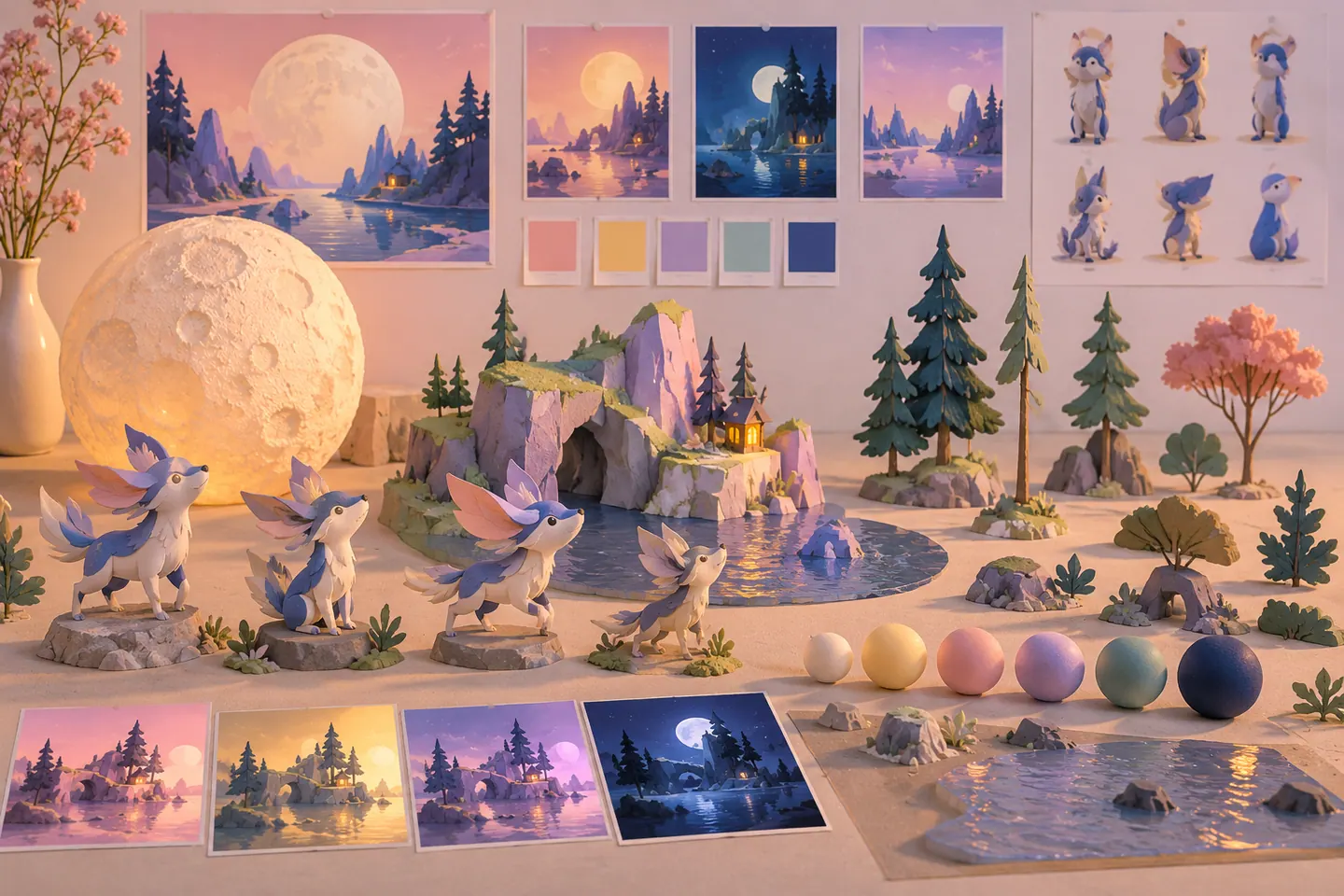
Describe character traits, environment, and light separately, then compare combinations on the canvas.
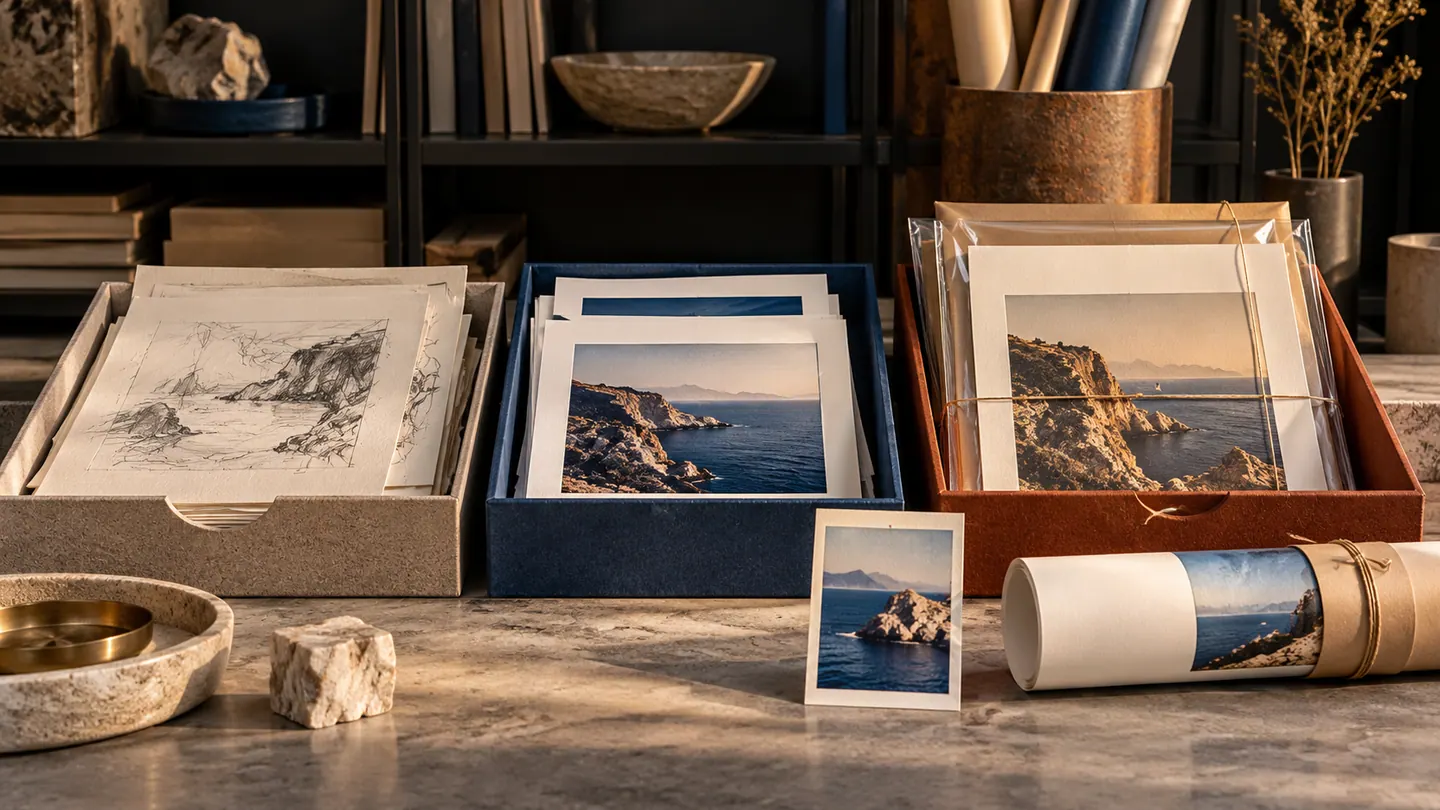
Reference library
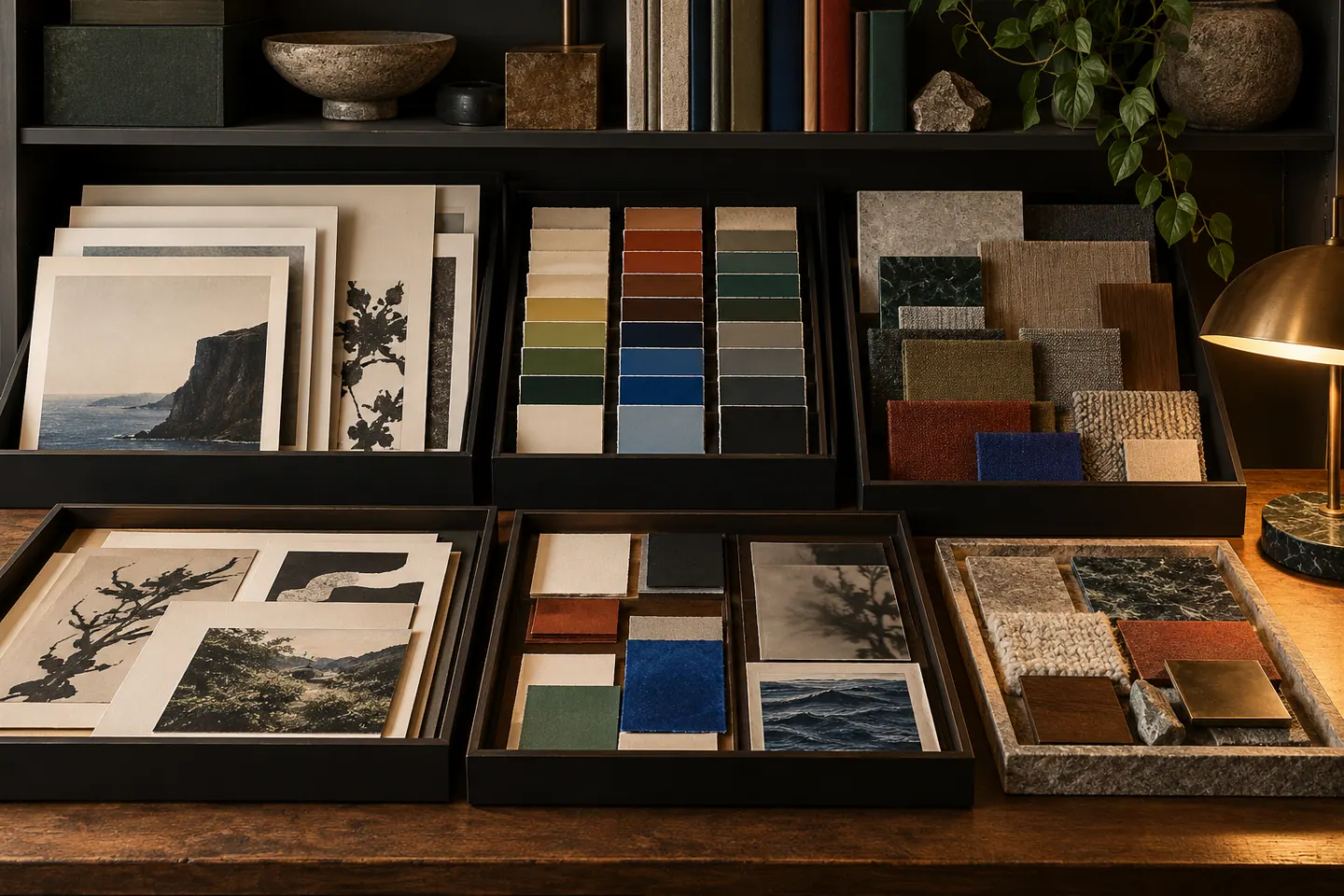
Sort composition, color, and material references by role before sending only the useful anchors into chat.
Delivery cleanup
Separate drafts, selected versions, and final files, then choose background removal, upscaling, vector conversion, or original download.